Excel vs Printable Budget Planner: Which Fits Your Month?
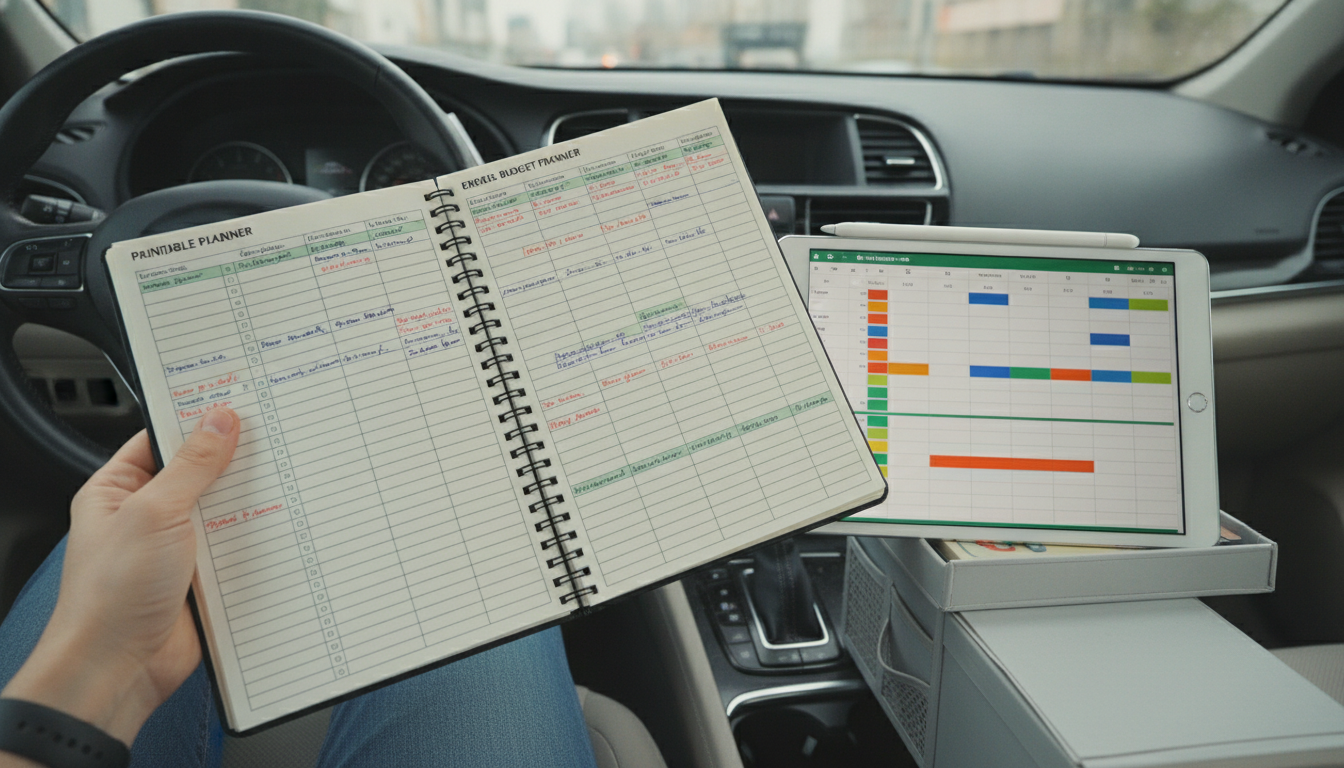
Is a budget planner better in Excel or as a printable worksheet for monthly budgeting?
Neither option is universally “better”—the best choice depends on how you like to track spending, how often your numbers change, and whether you want automation or simplicity. Excel shines when you want flexible calculations and easy edits, while a printable worksheet works well when you want a distraction-free, tactile routine.
When Excel is the better monthly budgeting choice
Choose Excel (or a similar spreadsheet) if monthly budgeting means frequent adjustments. Spreadsheets are ideal for households with variable income, fluctuating bills, or lots of categories because totals update instantly as you change figures.
- Automatic math: Formulas total income, expenses, and savings without manual recalculations.
- Easy “what-if” planning: Test scenarios like a higher rent payment or lower grocery spending.
- Searchable history: Keep multiple months in tabs to spot trends over time.
- Custom categories: Add sinking funds, debt payoff trackers, or subscription lists quickly.
When a printable worksheet is the better monthly budgeting choice
A printable budget planner fits best if consistency matters more than complexity. Writing numbers down can make spending feel more “real,” which helps many people stick with limits and reduce impulse purchases.
- Low effort to start: No formulas, formatting, or setup—just fill it in.
- Fewer distractions: Great for quick weekly check-ins at the kitchen table.
- Better for shared budgeting: Easy for partners to review together without file-sharing issues.
- Accountability: Manually logging expenses encourages mindful spending.
A practical way to decide
If you want speed, automation, and multi-month tracking, go with Excel. If you want a simple habit you’ll actually maintain, go printable. Many people combine both: a printable sheet for weekly spending check-ins and Excel for end-of-month totals.
For a deeper comparison and tips for setting up either option, visit this complete guide.
FAQ
What’s the easiest way to start a monthly budget if I’ve never budgeted before?
Start with a simple list of monthly income and 5–8 core expense categories (housing, utilities, food, transportation, debt, savings). Track for one month, then adjust targets based on what you actually spent.












Leave a comment